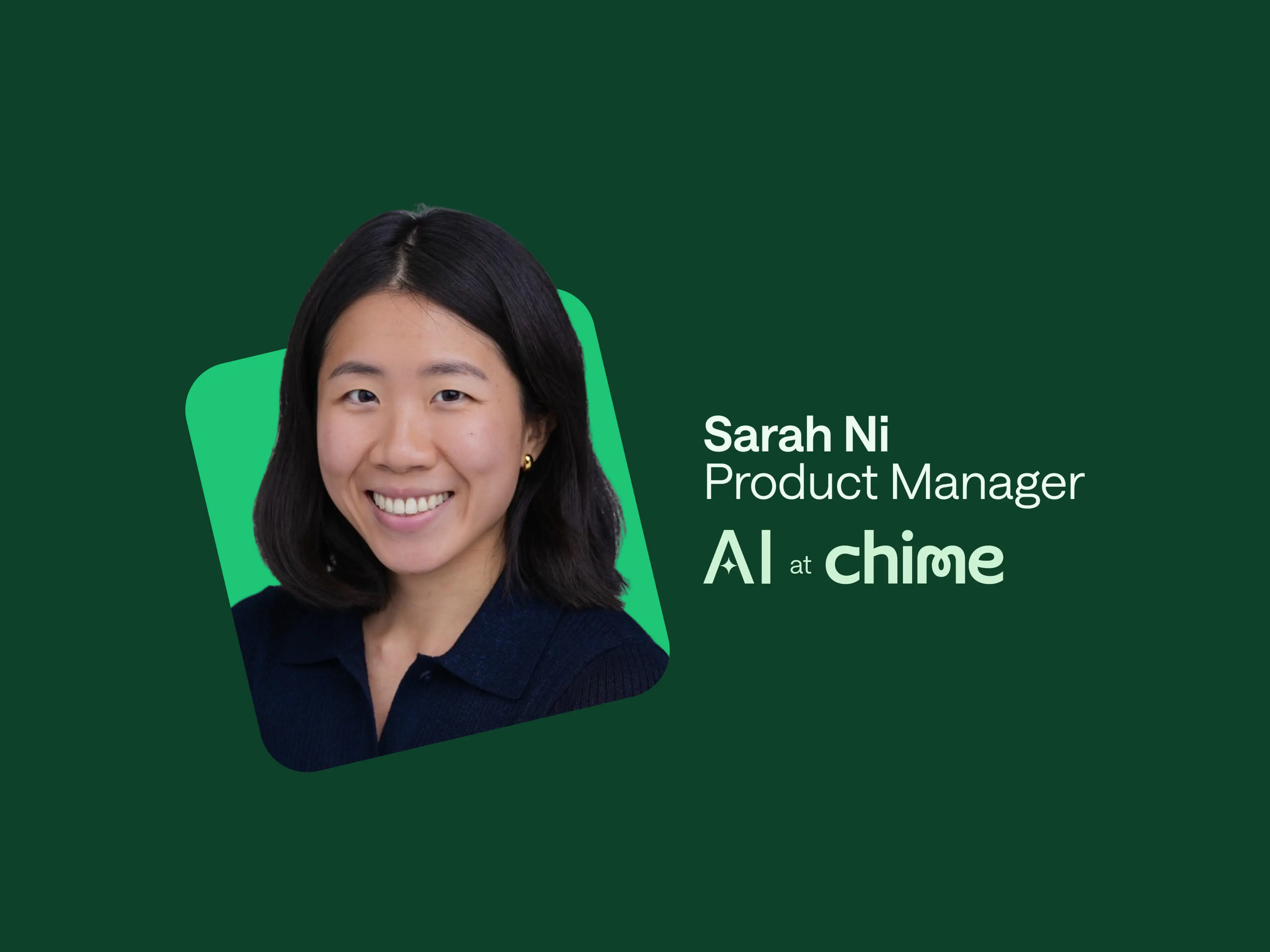
At Chime®, we know innovation often starts with curiosity — and a little room to build.
That mindset was front and center when Senior Product Manager Sarah Ni led a hands-on AI agent–building workshop as part of Chime’s recent Women PM Summit. The idea was simple: give product managers two hours, a few real-world challenges, and expert support — and see what happens.
The result? Agents built by PMs, for PMs, now being used across the company.
“I wanted people to walk away with something they could use.”
Sarah has long been interested in the potential of AI agents, especially for product teams managing complex workstreams, fast-moving decisions, and never-ending context switches.
“I was excited to bring it to life because I believe in it,” Sarah said. “There’s a lot of talk about AI, but not enough time to actually explore it. I wanted this to be a space where people could build, experiment, and walk away having learned something that makes them better at their jobs.”
With support from one of Chime’s AI vendors, Glean, Sarah and the workshop team helped 30 PMs go beyond passive usage of tools like ChatGPT and start designing agents tailored to their own workflows.
The hands-on session included:
A crash course on AI’s real-world role in product development, led by Glean
A technical how-to on building no-code agents
Breakout groups that prototyped and deployed agents on the spot
By the end of the morning, teams had shipped agents that tackled real challenges:
A “Why did this metric move?” explainer agent
A multi-channel stakeholder updater
A version tracking agent for internal docs
“The creativity blew me away.”
Going into the session, Sarah wasn’t sure how the group would respond. “I worried people might zone out,” she admitted. “But they were so engaged. They brought real use cases and pushed the boundaries of what was possible in just a couple of hours.”
Even the Glean team walked away surprised at the level of collaboration, curiosity, and ambition. Some teams built fully functional agents ready to publish; others encountered blockers but were able to demo working concepts with real utility.
And because every agent was designed around common PM pain points, their value didn’t end with the session.
“The best part? These agents are now being shared across Chime,” Sarah said. “What started as one person’s experiment is now helping entire teams.”
One standout was an agent designed for Trust & Safety, built to help streamline internal stakeholder update writing. Another, Glean’s intelligent reminders agent, has become a personal favorite of Sarah’s.
“It pulls from Slack, Jira, and Google Docs, then summarizes your action items for the day,” she explains. “It can feel a little intense at first, but once you set your cadence, it’s a game changer.”
For Sarah, the lasting value is in what happens next. “We carved out time to learn something new. Now we get to take those learnings back into our day-to-day and keep building.”
AI building smarter: Tips from the workshop
One goal of the workshop was to make AI agents feel less abstract and more like something any PM at Chime could start using today. Based on what worked (and what didn’t), here are a few takeaways for anyone looking to build their own agent:
First, confirm what data sources are available. Check which enterprise tools your agent can actually access (e.g., Google Drive, Slack, Jira), including connectors, permissions, and how far back the data goes. Your results will only be as strong as the data you’re able to pull.
Early outputs can look right until you pressure-test them. It’s normal for the first pass to read fine until you go deeper into the subject. Making it valuable requires iteration. To decide if it’s worth the time, ask whether you’ll run this workflow repeatedly — if yes, the upfront effort pays back over time, even if the first build feels costly.
Ship the output into your daily workflow. Don’t leave the agent stranded in a browser tab. Route results into the tools you check frequently (e.g., Slack) with alerts, summaries, and reminders — so the work shows up where decisions actually get made.