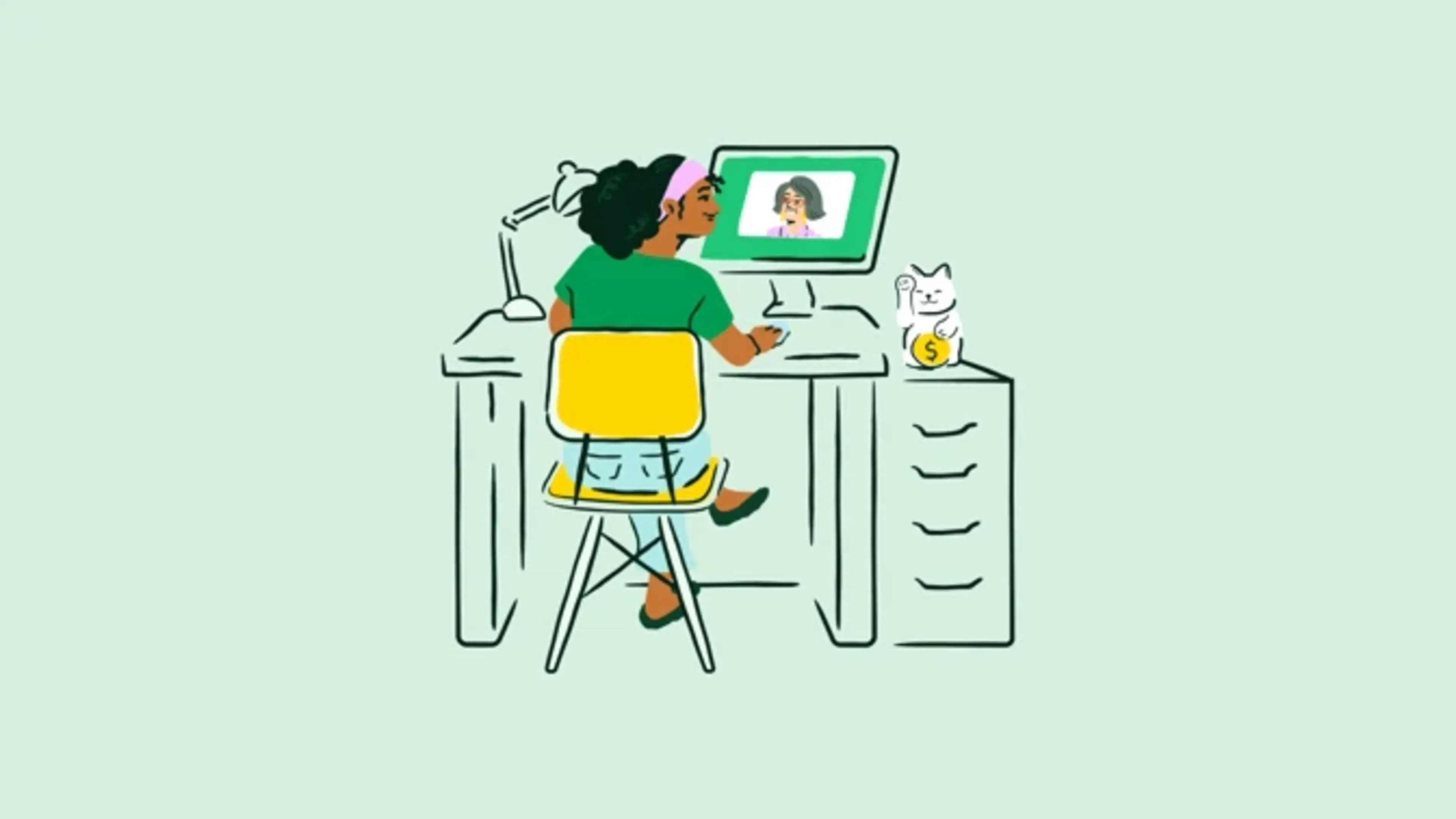
Interviewing can be stressful at the best of times, so we’re here to help lighten the load and let you know there’s no reason to be worried about interviewing at Chime while we navigate a hybrid work world with mostly remote interviews. After all, interviewing remotely isn’t that different from interviewing in person! You’ll want to prepare thoroughly, ask questions about the company and the role you’re interviewing for, and look presentable (at least from the waist up!).
If remote interviewing has taught our team anything, it’s that we are all human 🙃, so we’d like to make this process as easy as possible for you. Here’s a guide we put together with all the tech tips and best practices to ensure you have an awesome remote interview experience.
Tech Tips for Remote Interviews 💻
Download Zoom. We use Zoom for our interviews when possible, so we recommend downloading it on your laptop or desktop computer if possible. If you already have Zoom, make sure it’s updated to the latest version.
Test your camera, microphone, and speakers. 📷 🎤 🔈 ✅
Close all applications and browser tabs that aren’t required for the interview (you might need to share your screen or use another application as part of your interview).
Check your calendar invite for your interview-specific Zoom information — it’ll include the meeting ID number and link to join the call. Once you click the link, it’ll direct you to the meeting. 📆
During your interview, turn off notifications from other applications to minimize distractions. ❌
Interview Guidelines: What to Know
To keep things fair and consistent for everyone, please keep these guidelines in mind during your interview:
🔇 No recording or transcription tools: Please don’t use any tools or devices to record, capture, or transcribe the interview - that includes audio or video recorders, transcription software, or similar tools.
🤖 No AI-powered tools during your interview: Unless Chime has given you written approval, please don’t use AI tools (like code generators, research assistants, or answer helpers) during the interview process.
🚫 What happens if these rules aren’t followed? Using unapproved tools could result in disqualification from the application process, and we may take further action if needed.
Thanks for understanding…and good luck!
Getting Interview-Ready 👔
Preparing for a remote interview isn’t that different from how you’d prepare for an in-person interview. We recommend researching Chime, your role, and having questions ready for your interviewers. Here are some tips to help you prepare:
Find a quiet place to interview with minimal distractions.
Ensure adequate lighting — we want to see your face!
Turn off notifications and let any housemates or family members know that you’re in an interview.
Dress comfortably (no tie required!). We don’t have a dress code, so wear whatever you’d wear to visit our offices. And remember, shoes are optional — in fact, we encourage comfy slippers or fuzzy socks.
Have your questions and somewhere to take notes handy. We recommend a pad or notebook since you’ll want to focus on the interviewer on screen. ✏️ 🗒
Keep a glass or bottle of water nearby — you’ll probably be talking a lot! 🚰
Getting a Feel for the Company When You Can’t Meet Face to Face 🤝
It might feel weird to interview with a company whose offices you’ve never visited or without meeting the team in person, but it doesn’t have to. You can get a great sense of your team and the company over video.
We recommend staying focused on the video screen and looking at the camera or your interviewer’s face as much as possible. It’s also a good idea to have questions prepared for your interviewers so that you can get to know them better. Asking about company culture, team dynamics 👯, and how your interviewer is liking working from home 🏡 are all things that can help you get a better feel for them.
At the end of your interviews, if you’d like to get to know more Chimers, you can always ask for introductions or informational calls with more members of your team. Just let your recruiter or coordinator know and they’ll help set it up.
Getting to Know Chime—the Product 📱
While it’s not required, many roles at Chime involve working closely with—if not directly on—our product. We recommend getting familiar with the app, its user flows, and what Chime offers. To do that:
If Something Goes Wrong During Your Interview
Don’t worry! Tech mishaps happen, and we totally understand 👍. As a first recourse, we recommend reaching out to your recruiter and coordinator to let them know and then following these steps:
If your system crashes, don’t panic! Try rebooting your computer and running Zoom only.
If you need to reschedule your interview, that’s ok. Just let your recruiter and coordinator know.
Have other questions? Just shoot your recruiter an email with any concerns you might have. We look forward to interviewing you!